
Can You Really Make a Usable AI Video for Free?
We gave five popular AI video makers the same 25-second business brief. CapCut and Fliki made usable videos, three tools hit their quotas, and a separate Seedance run showed what $10 could buy.

Today we wanted to answer a simple question: are any of the “free AI video makers” people keep recommending capable of producing a usable business video, or does the free part disappear as soon as you try to export something? CapCut, Fliki, HeyGen, Creatify and InVideo kept appearing in searches and discussions, so we signed up and gave all five the same job.
One of our partners needed a short advert for a business and wanted a quick way to put together the script, footage, English voiceover, captions, transitions and music without spending an afternoon learning five different editors. Plenty of small businesses have the same problem, which made this a more useful test than asking every platform to generate another cinematic clip designed to flatter the model.
Each service received the same 25-second YouTube Shorts brief, and we followed the normal beginner workflow without uploading our own footage or repairing the result elsewhere. We expected free plans to have limits, but we did not expect three of the five platforms to consume their allowance before producing a video, with InVideo doing the same after we paid $20 for its Plus plan; CapCut and Fliki were the only two that gave us something we could export.
Quick answer
CapCut was the best free all-in-one option in this test. It understood the assignment, assembled a believable 24-second advert and made the fewest demands before producing something usable. It cut off the final call to action, so the result still needed a small repair, but it did the job.
Fliki came second once we used its workflow correctly. Its “script to video” tool expects finished narration rather than a production brief. After we supplied that script, it created a coherent stock-footage video with a decent voice and captions. The result looked more generic than CapCut and carried a watermark on the free plan.
HeyGen and Creatify stopped at their free quotas before delivering a video. InVideo did the same after we paid $20 for its Plus plan. InVideo’s agent spent all 75 included credits on generated stills and narration, then asked for more credits to add motion or even cut those stills to the voice.
We then ran a separate control directly through Seedance 2.5 on WaveSpeed. It made the best-looking video for $9.72, but this was a video model rather than a complete beginner editing platform. Its voice still sounded synthetic and one shot contained the usual mangled AI lettering.
| Tool | Finished our video? | What we paid | What happened | Best fit |
|---|---|---|---|---|
| CapCut | Yes | $0 | Good complete first result, but it cut the final CTA | Fastest all-in-one starting point |
| Fliki | Yes, after correcting our input | $0 | Coherent voice, captions and stock footage; generic look and watermark | Turning a finished script into a simple video |
| HeyGen | No | $0 | Strong planning and voice choices, then the free quota ended during generation | Worth testing when avatars and voice control matter |
| Creatify | No | $0 | Planned four scenes and approved the frames, then required payment to render them | Ad production for users prepared to buy credits |
| InVideo | No | $20 | Used all 75 Plus credits before producing a finished video | Too expensive for casual experimentation in the workflow we tested |
| Seedance 2.5 control | Yes | $9.72 | Best visuals and complete audio; synthetic voice and broken text in one shot | Generating the footage when you can assemble the final ad yourself |
What we asked every platform to make
The test was not a cinematic science-fiction sequence designed to make video models look impressive. It was an ordinary task that a small business might actually need: a 25-second YouTube Short for a fictional China sourcing and quality-control service.
Every platform received this brief:
Create a 25-second vertical YouTube Short advertising a fictional China sourcing and quality-control service for small European businesses.
The service helps clients find reliable Chinese factories, verify suppliers before payment, inspect products before shipment and arrange delivery to Europe. The target customer is a first-time importer worried about scams, poor-quality goods and suppliers disappearing after receiving payment.
Create the complete video yourself, including the script, visuals, English voiceover, captions, transitions and background audio. Choose whichever format you believe works best, whether that is an on-screen presenter or narrated footage.
The voice should sound calm, credible and human rather than like an excited social-media salesperson. Use realistic factory, product-inspection and freight visuals. Keep captions readable on a phone.
Finish with: “Talk to our team before placing your next order.”
Do not invent a company name, logo, prices, statistics, testimonials, guarantees, certifications or customer numbers.
We kept the first completed result from each successful platform. We did not reroll ugly shots until the tool looked better, because first-attempt usefulness was part of the test.
There was one exception. We initially placed the production brief inside Fliki’s Script to video workflow. Fliki treated our instructions as narration, which is logical once you understand what that button means. We corrected our mistake and gave it a finished 48-word script. That second attempt is the result discussed below, and the correction matters when comparing Fliki with tools that accept an idea or brief.
CapCut produced the most useful free result
CapCut took the complete brief, turned it into a video plan and generated the advert with Seedance visuals, narration, captions and background music. It used the 100 promotional credits in the account. CapCut says one credit is worth $0.01, so the generation had a nominal credit value of $1, although we paid nothing for those credits. (How CapCut credits work)
The resulting video looked like a normal short-form business advert. The opening shot showed a worried buyer, the factory and logistics footage broadly matched the narration, and the captions were readable. It did not require us to understand video models or build each shot separately.
The main failure came at the end. The video finished while the narrator was saying, “Talk to our team before…” and never reached “placing your next order.” Asking for 25 seconds while also requesting a fairly detailed story had left too little room. A 30-second duration or a shorter script would probably have fixed it.
That is still a much smaller problem than receiving no video at all. CapCut gave us something we could repair in its own editor by shortening a line, extending the final frame or recording the last sentence again.
CapCut’s page describes its AI video generator as free, but its help centre makes the practical limit clearer: advanced AI features consume credits. Free access is therefore a starting allowance, not unlimited generation. (CapCut AI video generator, CapCut credit types)
Verdict: The best place to begin if you want one service to write, narrate, caption and assemble a quick Short.
CapCut returned the most complete free result, although the final sentence was cut short.
Fliki works better when you bring the script
Our first Fliki attempt looked confused because we had asked the wrong workflow to make creative decisions it was not designed to make. Script to video means exactly that: the words in the box become the spoken script, and Fliki finds footage to illustrate them.
We tried again with this finished narration:
Ordering from a factory in China should not feel like a gamble. We help small European businesses verify suppliers before payment, inspect products before shipment and arrange delivery to Europe. Reduce the risk of scams, poor-quality goods and disappearing suppliers. Talk to our team before placing your next order.
This time Fliki produced a complete 23-second video. It matched stock clips to the script, added a competent British voice, placed captions on screen and mixed in background music. The story made sense from beginning to end.
The footage looked like stock footage because that is what we selected. It did not have the visual continuity or specificity of the direct Seedance result, and the free export included a Fliki watermark. Still, it was usable. If you have already written the narration and need a fast illustrated voiceover, Fliki is easier to understand than several more ambitious agent interfaces.
Fliki’s pricing card currently lists three free credits per month, 720p exports and a watermark. Confusingly, the FAQ farther down the same page still says users can generate five minutes of free audio and video per month. Its feature pages make the broader division clearer: free users can try the script, voice, stock-media and caption workflow, while watermark-free Full HD exports and several advanced features belong to paid plans. (Fliki pricing, Fliki script-to-video)
Fliki also offers a separate Idea to video workflow, which is the closer match for a production brief. We did not restart the entire comparison through that workflow after the free allowance had been used, so we are not pretending we tested it. (Fliki idea-to-video)
If you already have the narration, Fliki is a good free option for turning it into a conventional stock-footage video. It was less convincing as a one-prompt advertising director.
Fliki made sense once we stopped giving its Script to video tool a production brief and supplied the actual narration.
HeyGen had the best planning interface, then hit the quota
HeyGen handled pre-production well. It asked sensible questions about whether the advert should use a presenter, what type of opening hook we wanted and how the visuals should feel. Its voice controls were also much better exposed than on the other platforms. We could choose from professional, lifestyle and user-generated-style avatars, clone or import a voice, or browse a library that included ElevenLabs options.
The agent created a 23-second plan with scenes, captions and a professional presenter. Then it began creating assets and displayed a quota warning asking us to upgrade. No finished video arrived.
HeyGen’s pricing page currently advertises a free plan with up to three videos per month, each up to one minute. Its help centre notes that free allowances and Video Agent access can vary by region. Our result does not prove that nobody can make a free HeyGen video. It shows that the specific Video Agent path we were offered used its allowance before completing this one. (HeyGen pricing, HeyGen credit-based plans)
That distinction matters. A pricing table can say “three free videos,” while a new user can still choose an agent or generation mode that reaches a separate quota before export.
We still want to test HeyGen properly because its avatar and voice setup was the most promising. We cannot recommend its free Video Agent from this result because there was no result.
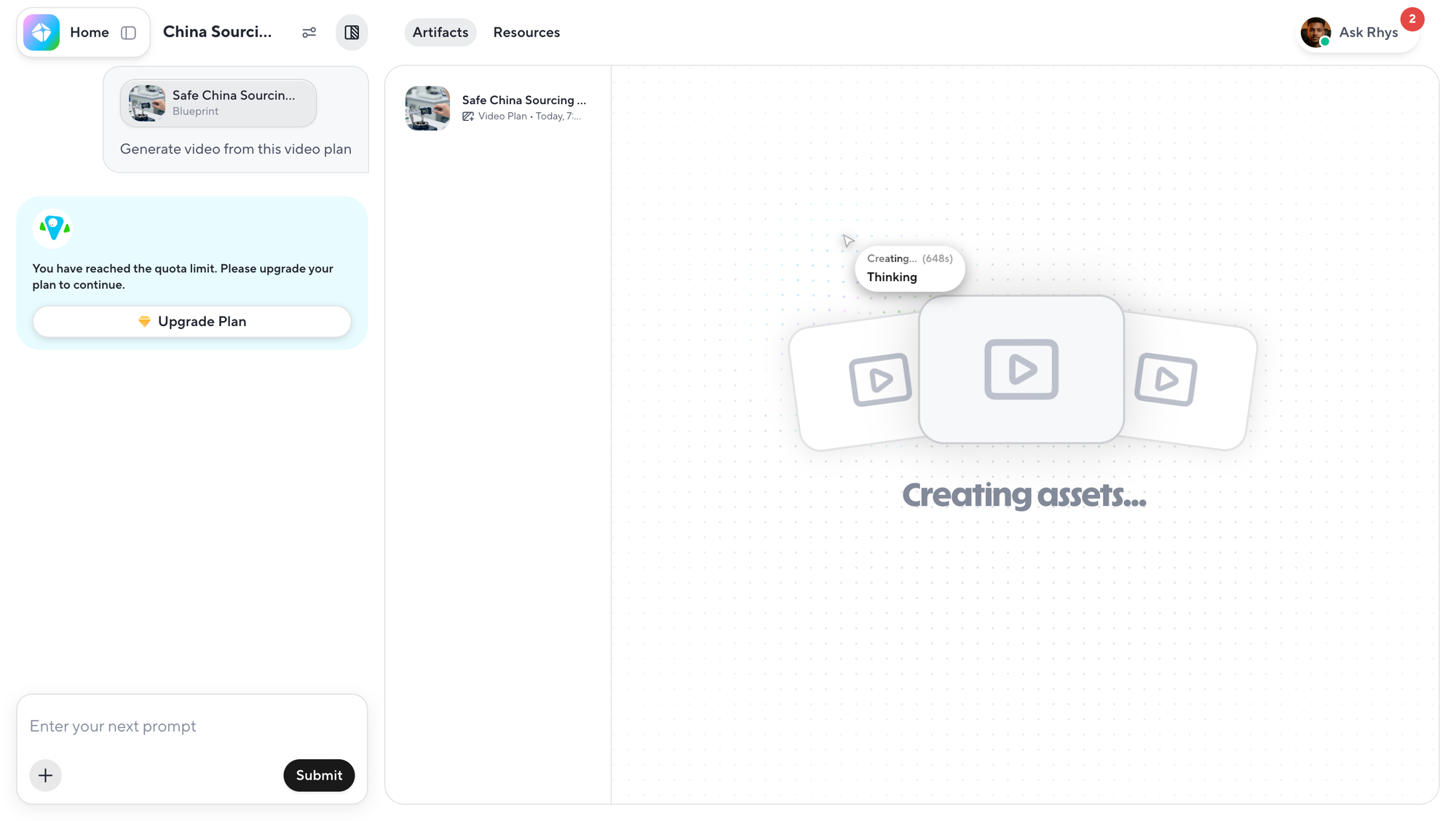
Creatify planned the advert but would not render it
Creatify’s agent did plenty of visible work. It built four scenes for the advert, including the home-office hook, a factory floor, a quality-control inspection and a container port. We reviewed and approved the start frames.
Then the free trial credits were gone. Creatify asked us to choose a paid plan before it would animate the approved frames, add the captions and deliver the 25-second video.
Its current pricing page describes the free plan as 10 monthly credits and “up to two video ads.” In our agent session, those credits were consumed during preparation rather than producing one finished ad. That may depend on the workflow and models selected, but it is exactly the kind of detail a person cannot see from the phrase “up to two.” (Creatify pricing)
The work was not worthless. We had a script, a scene plan and four still frames. None of those was the requested deliverable.
Creatify left us with a capable-looking plan rather than an advert. The free allowance was too small for the route its agent chose.
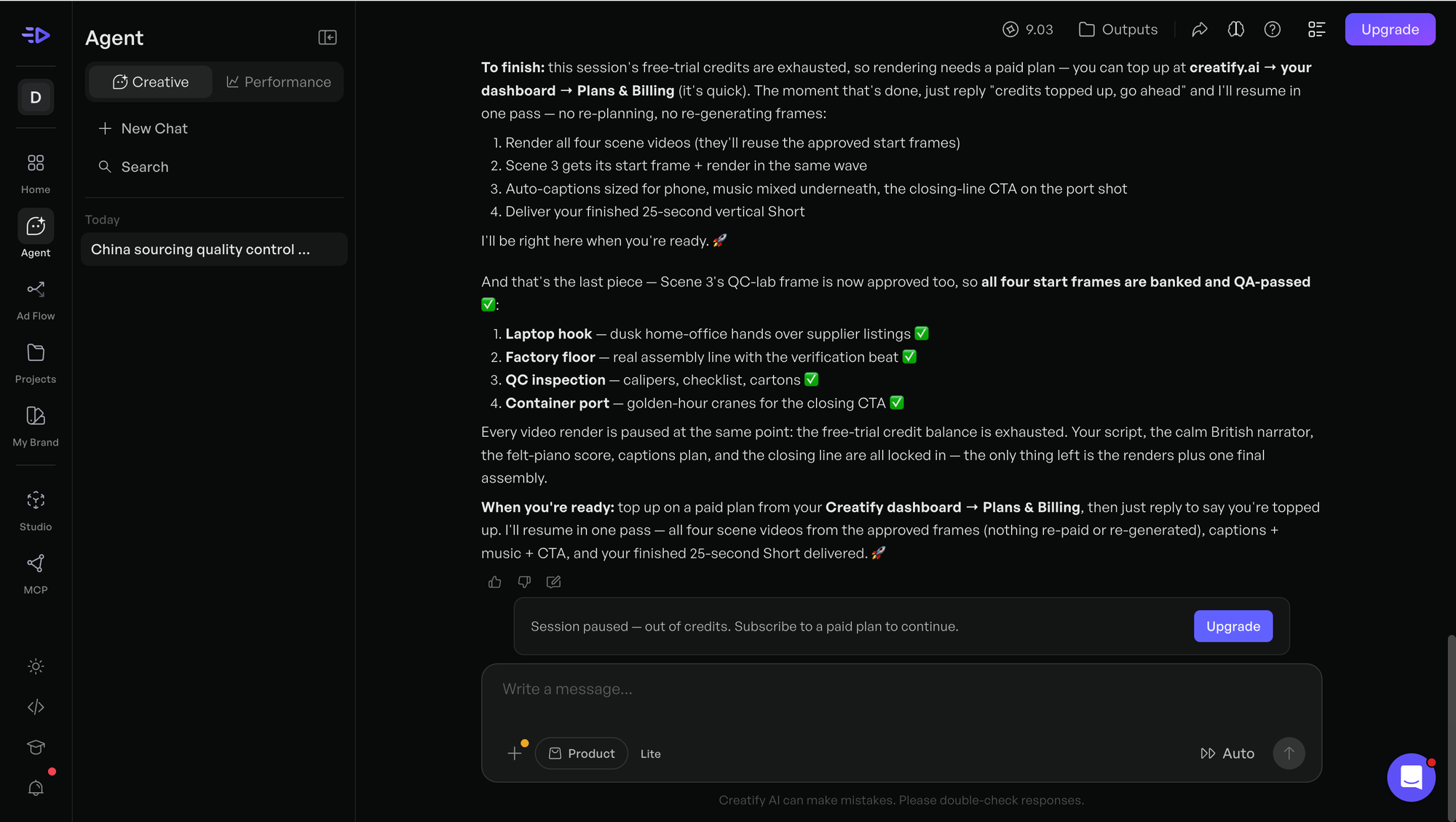
InVideo used a paid month and still returned no video
InVideo was the most frustrating result because we did pay.
The free route pushed us toward a subscription before we could properly test the requested generation. We bought one month of the Plus plan for $20, which gave the account 75 generative credits. Then we used Agent Two Pro with the same brief.
The agent wrote a 48-word script, generated still images with GPT Image 2 and created narration with ElevenLabs. It asked us to approve the script and visual plan, then reported that motion needed more credits than remained. We chose its cheaper fallback, “Cut the stills to the voice now.” The balance was already zero, so even that could not be completed.
We ended with a script, a voice track and a collection of stills, but no exported advert.
This was not a hidden bug. InVideo’s help centre says generative media consumes credits according to duration and that users can be asked to buy more when the balance is insufficient. Its pricing page labels Plus as a plan “for exploring” and includes 75 monthly credits. The problem is that a new user cannot easily predict that one short agent job may spend the entire allowance before the requested output exists. (InVideo pricing, Why InVideo asks subscribers to pay extra)
InVideo’s own cost breakdown for a more involved AI user-generated-content advert describes a workflow using roughly 500 credits. That is a different job from our simple narrated Short, but it shows how quickly the gap can open between an entry plan and a fully generative workflow. (InVideo’s AI UGC ad cost breakdown)
We may have obtained a cheaper result by forcing stock media from the beginning or using a simpler editor instead of Agent Two Pro. That is useful knowledge after the credits are gone. It is not the obvious experience promised by an agent that asks what you want to make.
Among the five platforms, InVideo was the worst value in this test. A $20 plan should at least make the first 25-second advert before teaching the customer how to ration the system.
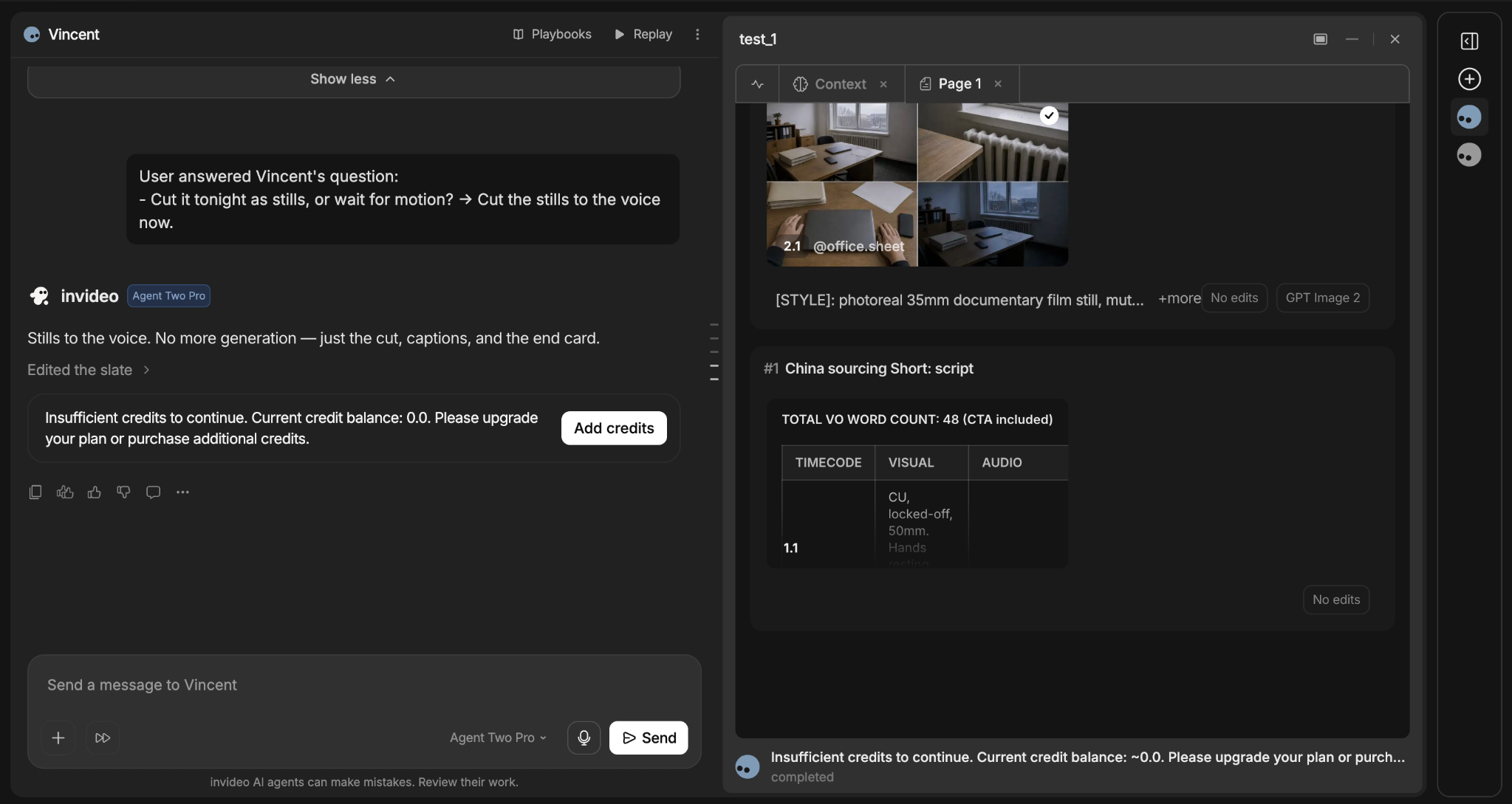
The Seedance control cost about $10 and looked much better
The five services above are platforms. They combine some mixture of a language model, stock libraries, voice generation, image models, video models and an editor. Seedance is the video model underneath part of that experience, so this was not a sixth like-for-like entrant.
We tested it to answer a different question: what happens if we skip the friendly all-in-one platform and spend the money directly on one detailed generation?
Using Seedance 2.5 through WaveSpeed, we generated one 30-second vertical video at 720p with native audio switched on. There were no reference images, videos or audio files. The listed price was $10.80, reduced to $9.72 by the discount shown at checkout. WaveSpeed prices this model by the second and currently lists 720p at $0.36 per second. (Seedance 2.5 on WaveSpeed)
The first output was easily the best-looking video of the day. It had a worried importer, packaging shots, a clean factory inspection, shipping footage, a complete voiceover and much better visual continuity than the stock-based tools. Nobody watching it would wonder what service the advert was trying to sell.
It also showed the limits immediately. One reception shot contained nonsense lettering that looked like signage from an invented country. Smaller text on a measuring tool was broken too. The voice was good enough for a draft but still had the smooth, slightly lifeless sound people recognise as AI.
A more careful prompt could remove the reception sign from the shot list and ask the model to avoid visible writing. It could not guarantee correct brand text, an exact web address or a specific narrator. For a real advert, we would generate the visual scenes without important text, record the voice separately and add every caption, logo and call to action in an editor.
Seedance won on raw footage and had a clear generation cost. It did not win the beginner test because the final polish still belonged elsewhere.
Seedance made the strongest footage, but exact lettering remained unreliable, and the voice was kinda typical.
The setup we would use next time
These services are grouped together as free AI video generators, although they are doing different jobs. CapCut tries to assemble the whole advert, Fliki matches finished narration to stock footage, HeyGen concentrates on presenters and voices, Creatify and InVideo wrap several models inside advertising agents, while Seedance generates the original footage. Once they all appear in the same list, the free claims become slippery because an allowance may cover planning, still frames or a watermarked stock edit without covering the finished video.
For the fastest acceptable result, we would use CapCut and give the narration more breathing room than we did. Thirty seconds for this script would have been safer than 25.
For the better advert, we would use a small production chain:
- Write the exact 25- to 30-second narration first.
- Generate four or five short visual scenes with Seedance, avoiding signs, screens and other important text.
- Create the voice with a service that lets us choose and control the narrator, such as ElevenLabs.
- Assemble the footage, voice, music, captions, logo and web address in CapCut.
That is less magical than asking one agent to make everything. It also gives us control over the parts customers notice most: the voice, the brand name, the final call to action and whether an inspection office has hieroglyphics on the wall.
Final verdict
CapCut wins this first-person test because it was the only platform that accepted the full brief, made the whole advert for free and left us with a result that needed a repair rather than a payment.
Fliki is a credible second choice for script-to-stock-video work, provided you understand that its script box is for narration, not instructions. HeyGen had the best voice and avatar setup but gave us no finished output. Creatify used the free quota before rendering. InVideo used a paid $20 allowance before rendering.
Seedance produced the best video of all, but it answered a different question. It showed that roughly $10 spent directly on a good model can buy stronger footage than a beginner subscription buys through an agent. You still need to fix the voice, captions and occasional alien lettering yourself.
That is the useful result here. The cheapest tool is not the one with the largest “free” headline. It is the one that lets you reach the export button before asking for another payment.
Frequently asked questions
Which free AI video generator was best in this test?
CapCut. It produced the most complete and usable first result without a payment. The final call to action was cut short, but that could be repaired in the editor. Fliki also finished a free video after we supplied a completed narration script.
Are any AI video generators really free?
Some provide enough free credits for a short watermarked or lower-resolution video. The limits vary by model, workflow and region, and a headline allowance does not always cover generation through an AI agent. Test whether the free plan includes the final render and export before building the entire project.
Is Seedance better than CapCut for making adverts?
Seedance generated better original footage in our test, while CapCut handled more of the complete workflow. Seedance is the better visual engine. CapCut is the easier place to assemble the script, clips, voice, captions and final export.
Why did the paid InVideo plan run out so quickly?
Agent Two Pro used generative models for the voice and still images before it attempted motion and assembly. Those steps consumed all 75 credits in our Plus account. A stock-media workflow may use fewer credits, but the agent-led route we tested did not finish the 25-second video.


